
Delete your account
Ya Trini, by Saye7 Consulting.

In the app
- Open Ya Trini.
- Tap Profile.
- Scroll to the end. Tap Delete Account.
- Tap Delete. The app can ask you to sign in again first.
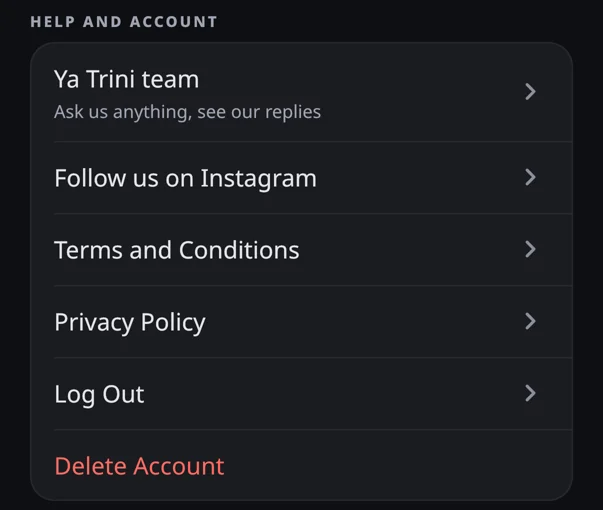
Without the app
Write to contact@yatrini.com from the email address of your account. We close the account, then the deletion follows the same steps as in the app.
What happens to your data
| When | What |
|---|---|
| At once | Your account is closed. Your sign-in is deleted. Notifications stop. You cannot undo this. Your data stays stored, unused. |
| 30 days after your request (at most 40) | Deleted: your email, your name, your messages to the team and their photos, your notification tokens, your measurement notes, your usage profile at Mixpanel. For accounts made before Ya Trini 3.0, your usage events at Mixpanel too. |
| Kept | Your workouts, meals, water, food searches, measurements, profile answers, plans and their names, linked to a new random identifier and no longer to you. We use them for statistics only. Usage events at Firebase, and at Mixpanel for newer accounts, stay under your old account identifier. Crash reports at Firebase are kept for 90 days. |
More: Privacy Policy.